Import a clean master PDF
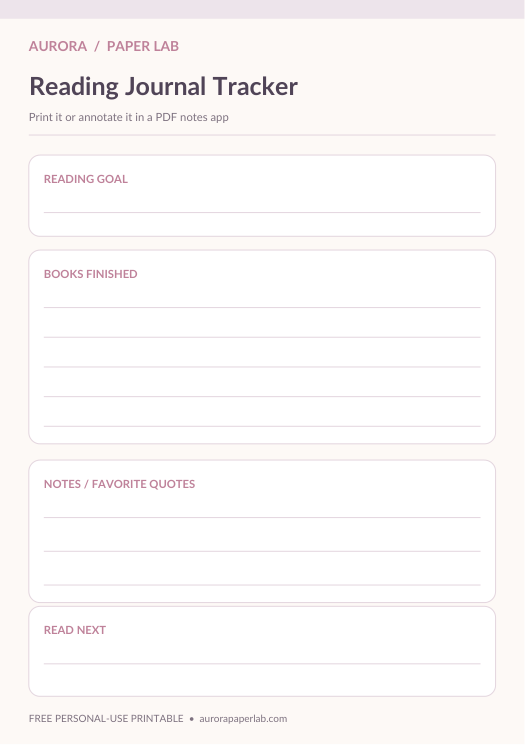
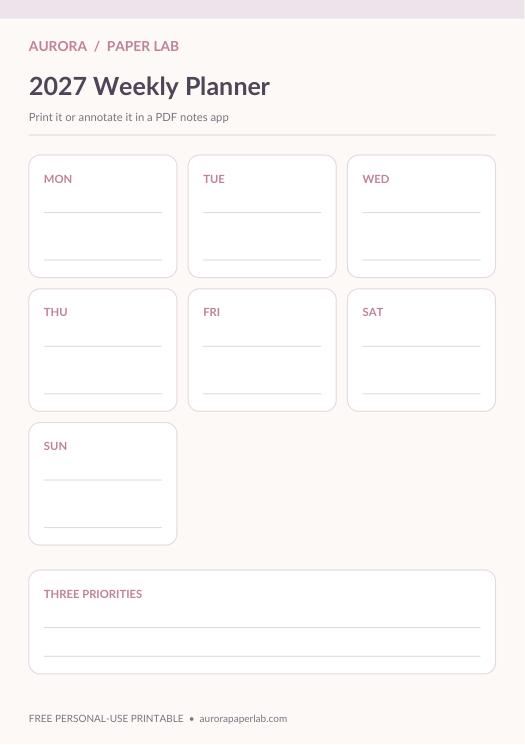
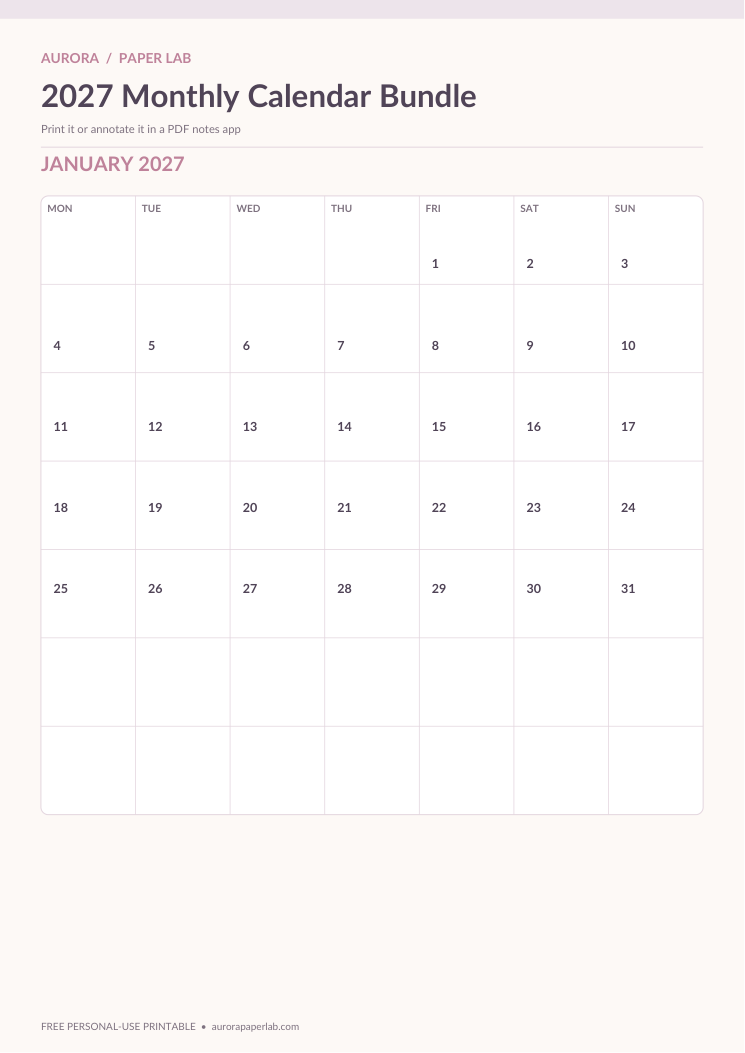
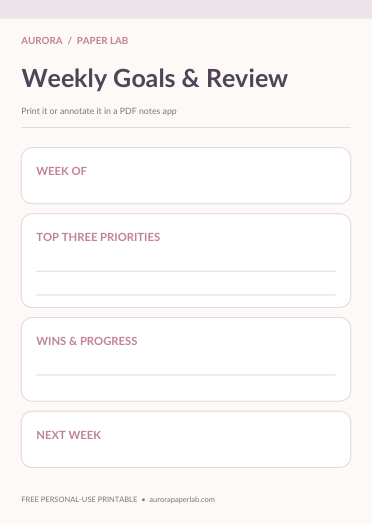
Save the original file first, then import a copy into Goodnotes. Duplicate reusable pages before adding handwriting or stickers.
Import planner PDFs into Goodnotes, duplicate reusable pages and build a simple planner around your real routines.
Save the original file first, then import a copy into Goodnotes. Duplicate reusable pages before adding handwriting or stickers.
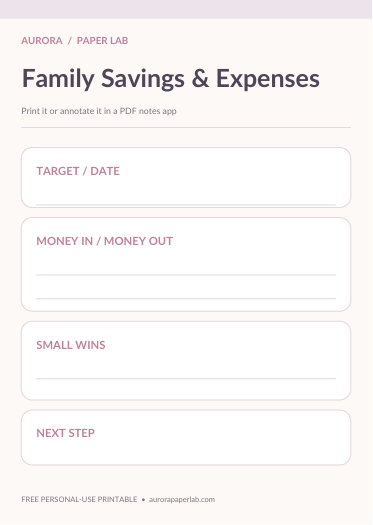
Use separate sections for calendar, weekly planning, finances and trackers instead of one oversized notebook.
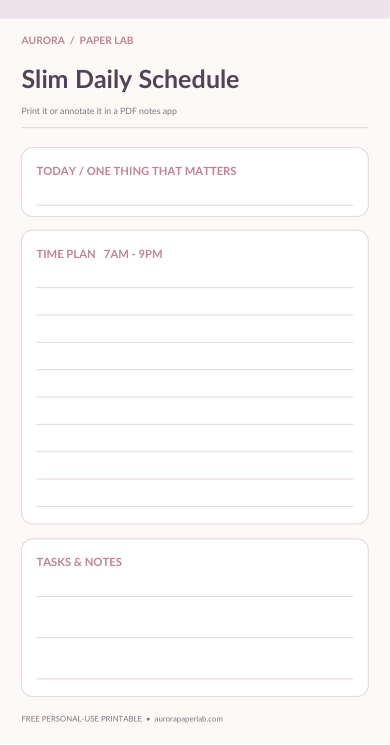
A5 is a balanced default for many tablets, while A6 and slim layouts work well for compact planning.
The linked free resources can be downloaded for personal use. Premium collections are shown separately in the shop.
PDF planner pages can usually be imported into PDF-friendly note-taking apps. Keep one clean original before annotating.
Yes. Test one page first and adjust printer scaling for your paper size and binder.