Easy to use
Choose the page size that matches the final paper or device.
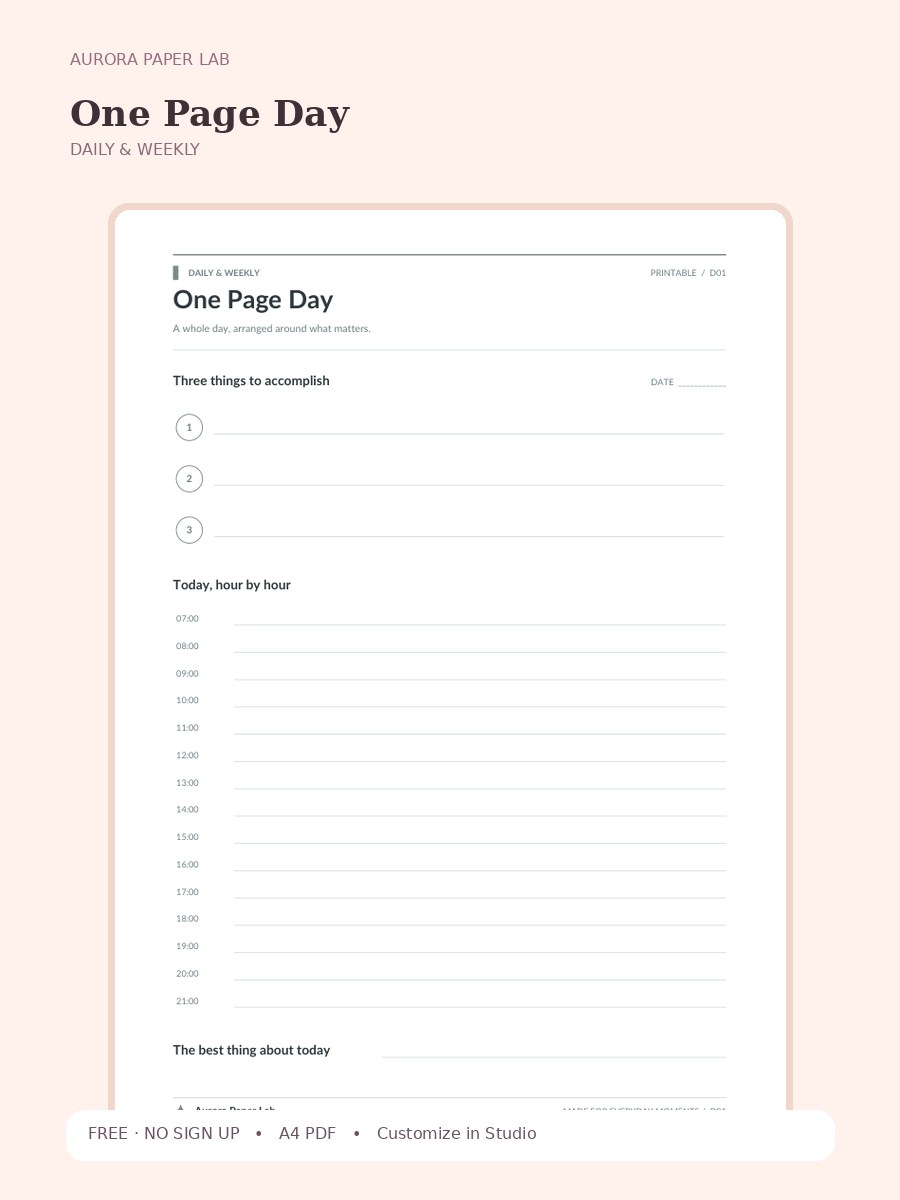
A whole day, arranged around what matters.
Customize the page in Design Studio, or download the clean original PDF immediately.
Choose the page size that matches the final paper or device.
Open it in Design Studio and add your own text, colors, stickers and images.
A useful one page day should change a decision or preserve a clear record. Remove any field you repeatedly leave blank.
Yes. This is an instant free download and no account is required.
The resource is provided as A4 PDF. Keep one clean master copy before writing on, duplicating or importing it.
PDF planner pages can usually be imported into PDF-friendly note apps such as Goodnotes. Compatibility depends on the app and device, so keep the original file and test your workflow first.
Yes. Choose Customize in Design Studio to open One Page Day as a locked reference layer and add your own text, stickers, images and layout elements on top.
Yes. Print one test sheet at Actual Size / 100%. Confirm margins and writing room before making additional copies.
One Page Day focuses on one realistic day with appointments, three priorities, and open space. Its purpose is to make one planning decision clearer without turning the page into a general-purpose dashboard.
Print one test sheet at Actual Size / 100%. Confirm margins and writing room before making additional copies.
Keep a blank master in your PDF app, duplicate it before writing, and name the working copy for the period covered by one realistic day with appointments, three priorities, and open space.
Open the template in Studio, keep the base page locked, and layer your text, stickers and images above it.
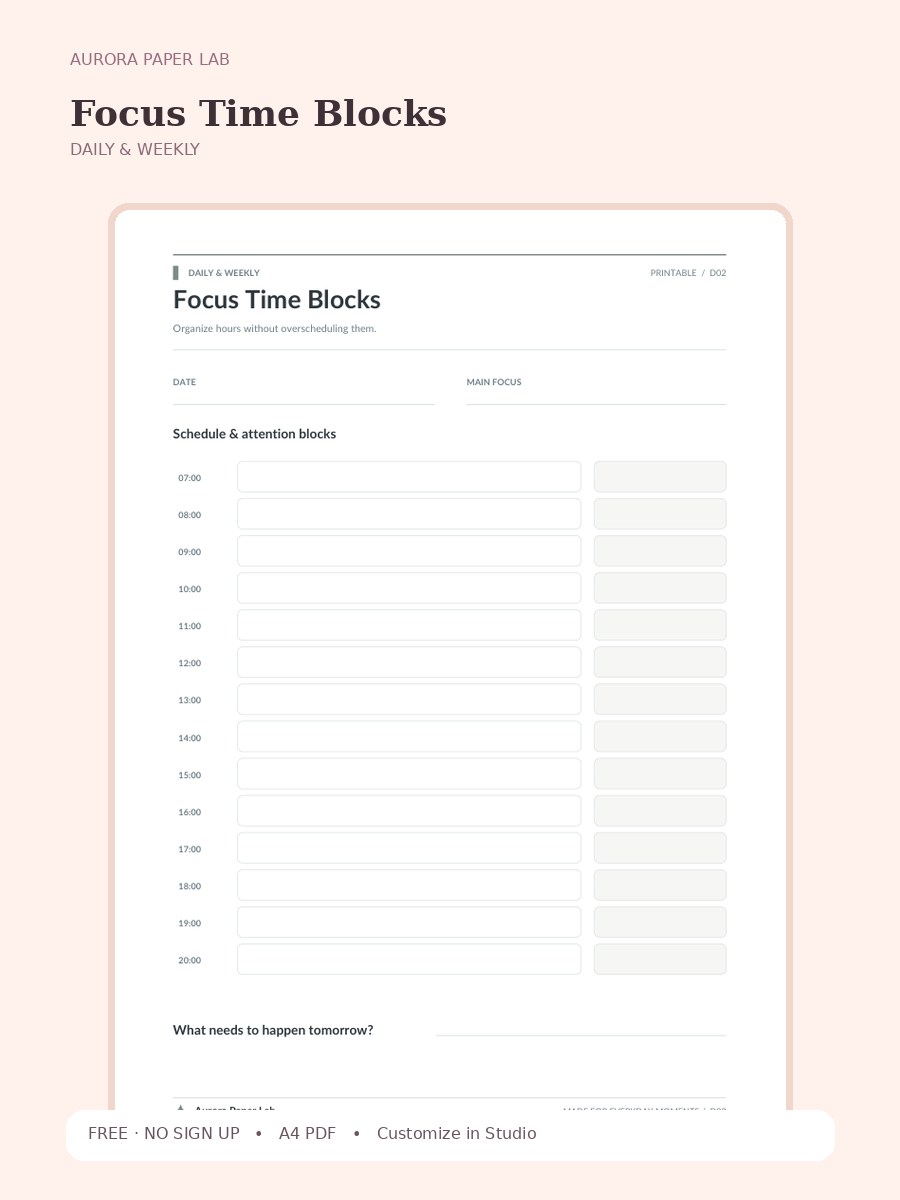
Organize hours without overscheduling them.
FREE · NO SIGN UP →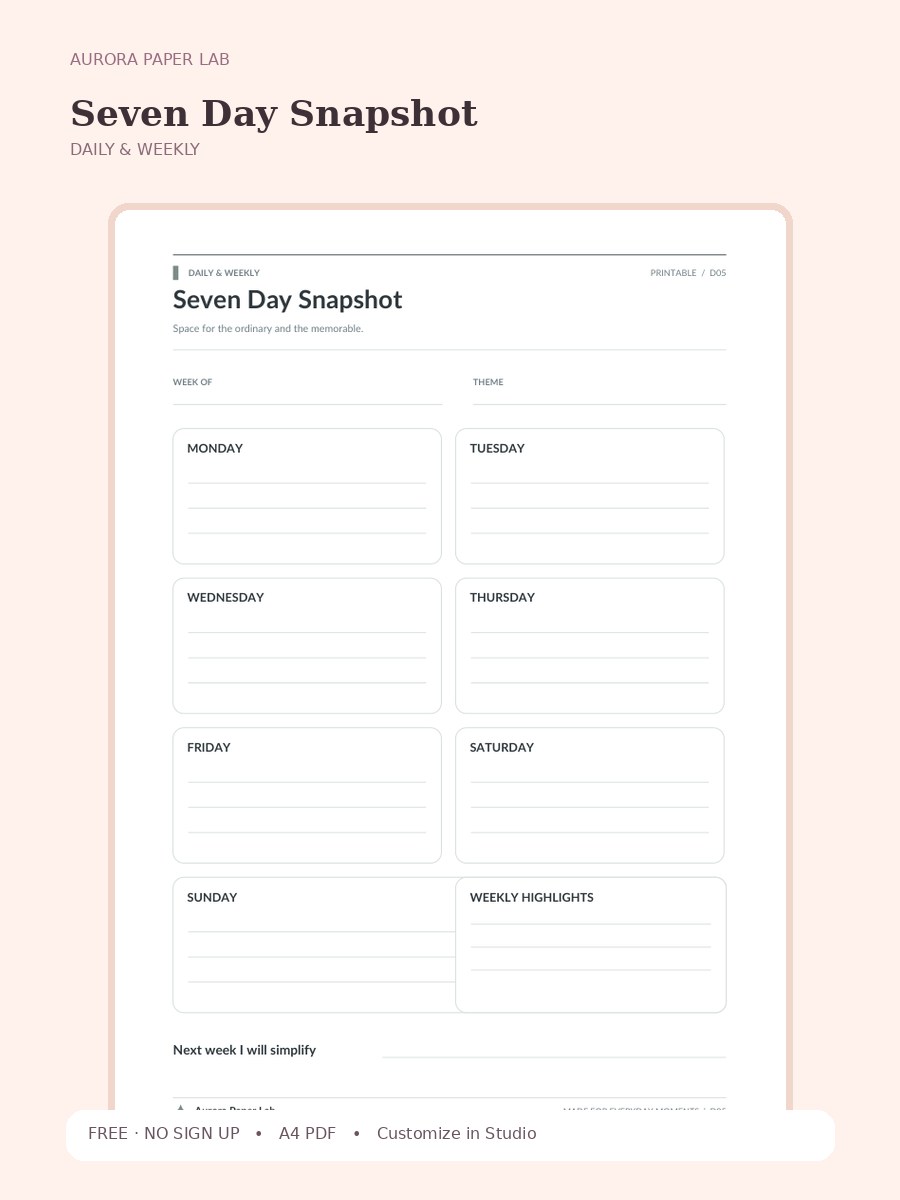
Space for the ordinary and the memorable.
FREE · NO SIGN UP →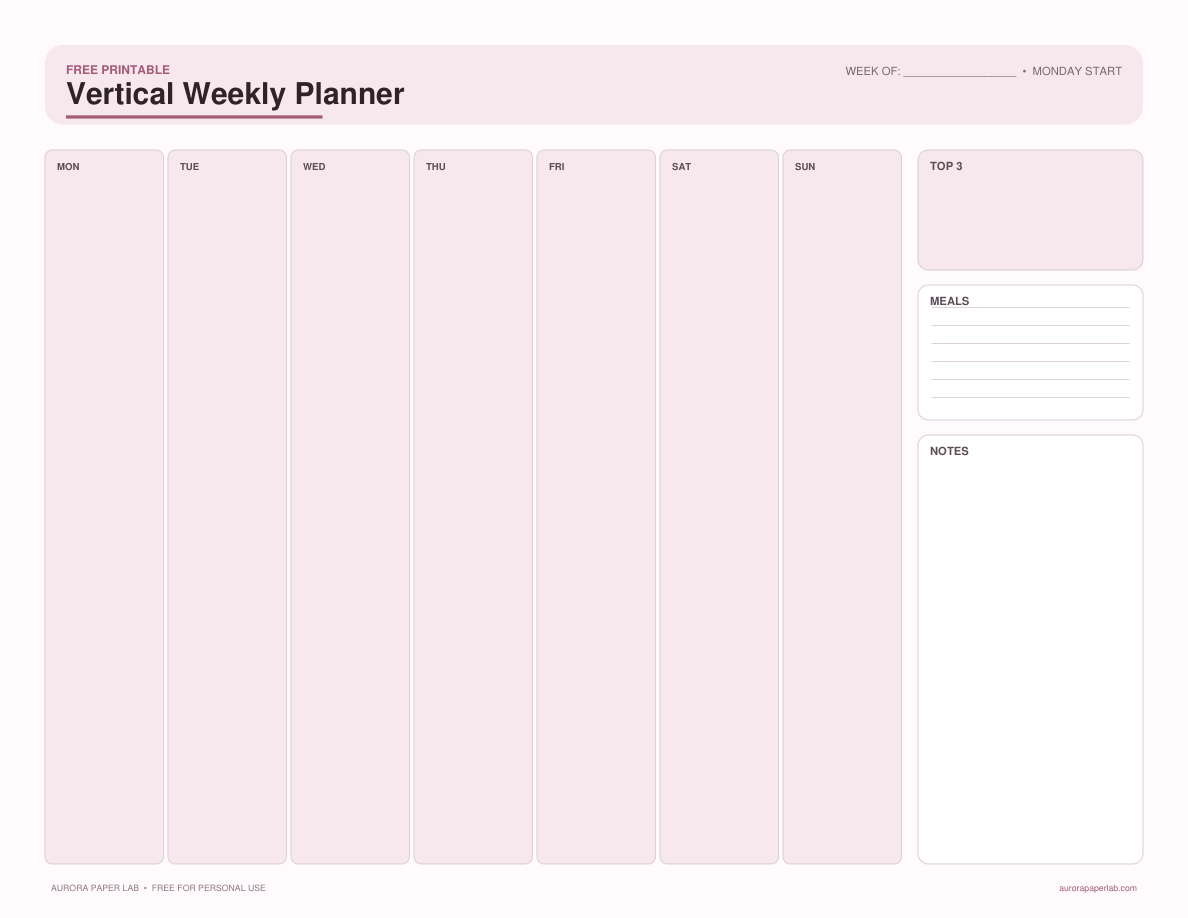
Plan seven days in clean vertical columns with priorities, appointments, and a small notes area.
FREE · NO SIGN UP →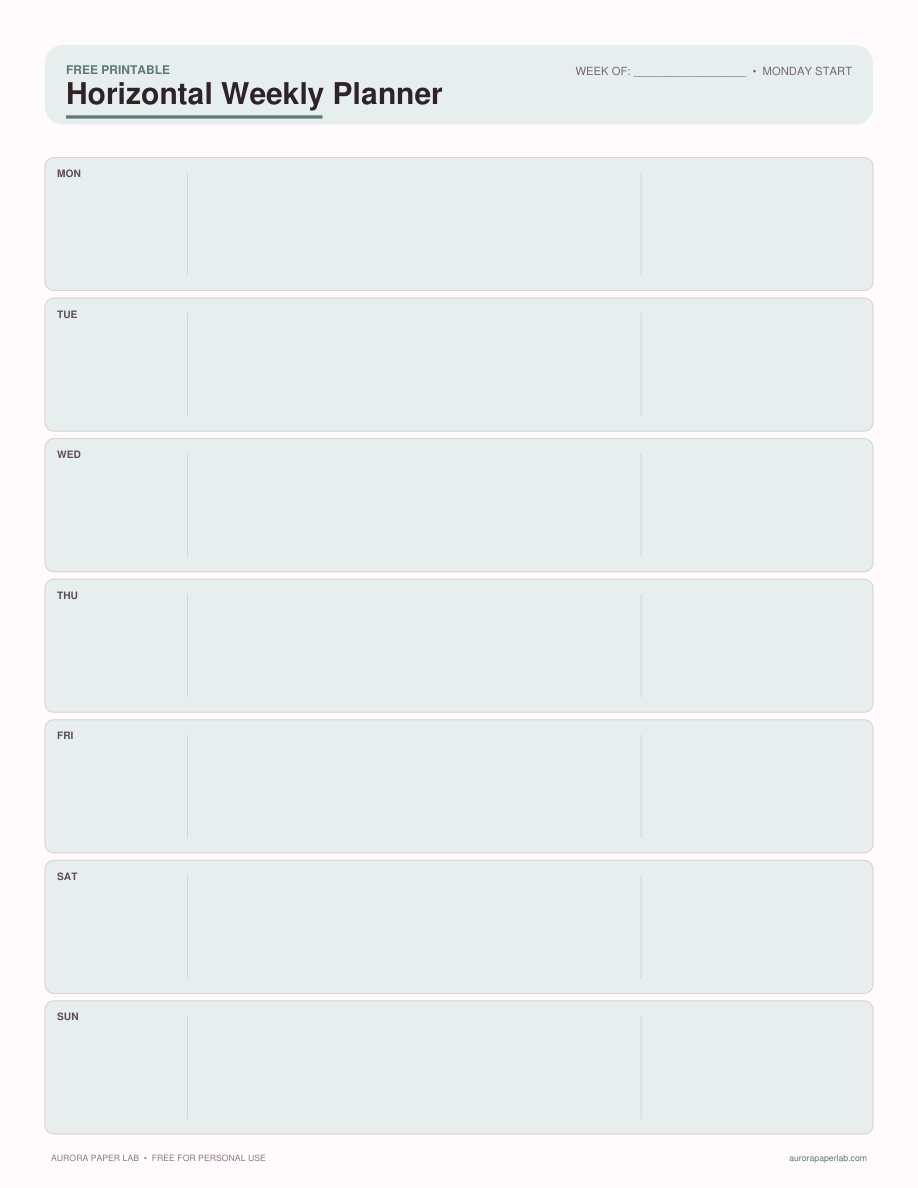
Use wide daily rows for tasks, events, and notes across one uncluttered weekly spread.
FREE · NO SIGN UP →