Easy to use
Start by writing the date, month, project or other context requested at the top of the 100 Little Wins page.
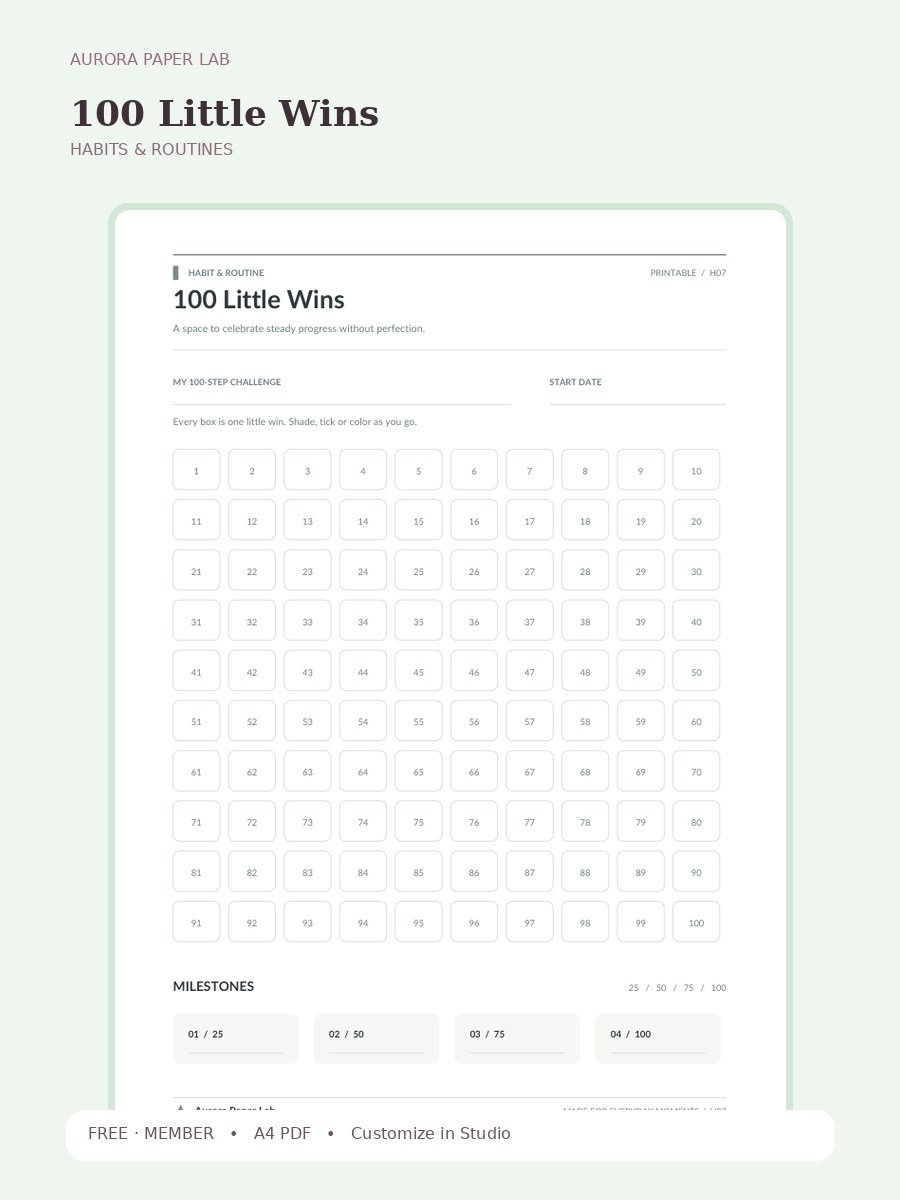
A space to celebrate steady progress without perfection.
Preview and customize this page freely. A free member account is needed only when you download the original file.
Start by writing the date, month, project or other context requested at the top of the 100 Little Wins page.
Open it in Design Studio and add your own text, colors, stickers and images.
A useful way to review this page is to look at the field that matters most to the worksheet—03 / 75—and write one small adjustment for the next use.
Yes. The resource page is public and the file is free; a free Aurora member account is required only at the download step.
The resource is provided as A4 PDF. Keep one clean master copy before writing on, duplicating or importing it.
PDF planner pages can usually be imported into PDF-friendly note apps such as Goodnotes. Compatibility depends on the app and device, so keep the original file and test your workflow first.
Yes. Choose Customize in Design Studio to open 100 Little Wins as a locked reference layer and add your own text, stickers, images and layout elements on top.
Yes. Print 100 Little Wins at Actual Size / 100% on A4 paper first. If your printer adds margins, test a single sheet before printing several copies.
100 Little Wins is a one-page A4 printable designed to notice patterns and build routines with small, visible check-ins. A space to celebrate steady progress without perfection. The page includes My 100-Step Challenge, Start Date, Every box is one little win. Shade, tick or color as you go., Milestones, 25 / 50 / 75 / 100, 01 / 25, so the structure is specific to this worksheet rather than a generic notes page.
Print 100 Little Wins at Actual Size / 100% on A4 paper first. If your printer adds margins, test a single sheet before printing several copies.
For digital use, import a clean copy of 100 Little Wins, duplicate the page before writing, and keep the original in a template folder so the layout stays reusable.
Open the template in Studio, keep the base page locked, and layer your text, stickers and images above it.
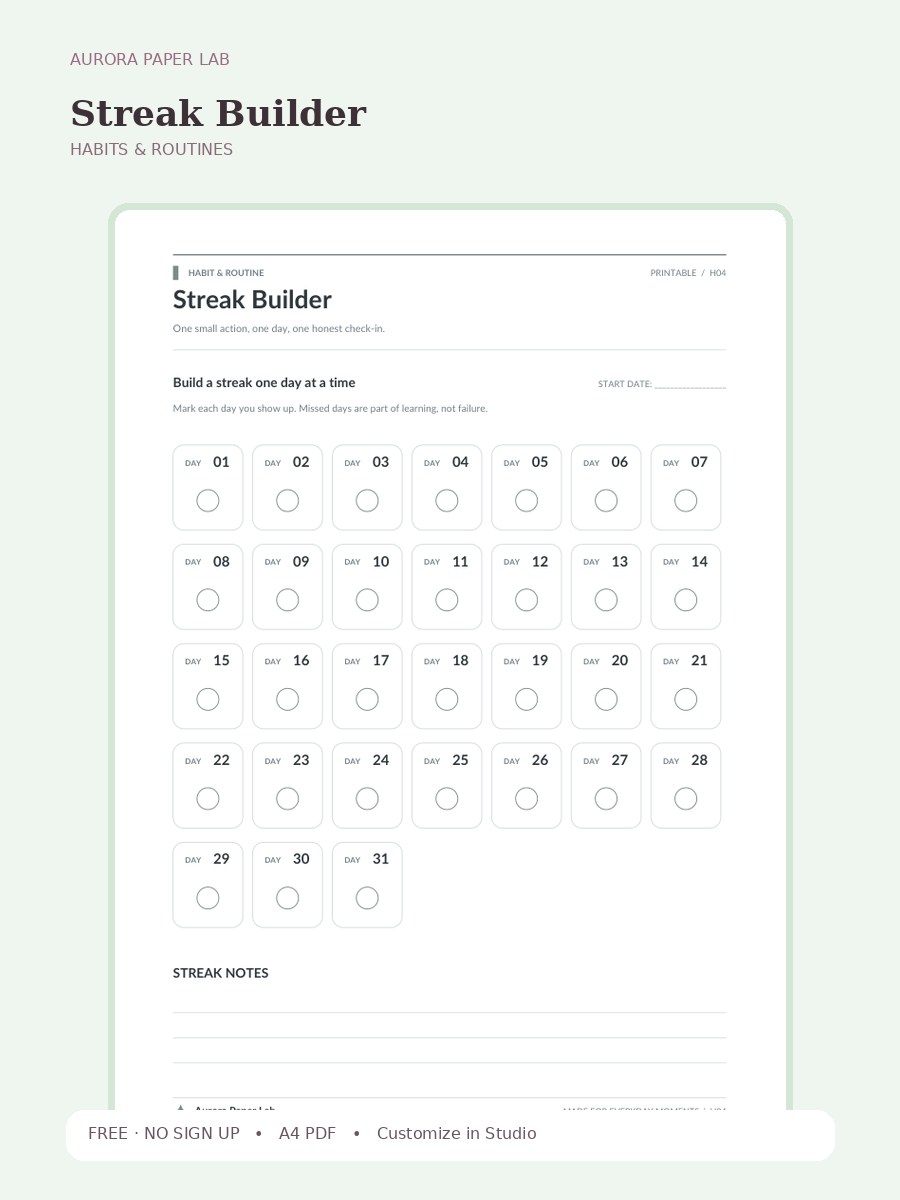
One small action, one day, one honest check-in.
FREE · NO SIGN UP →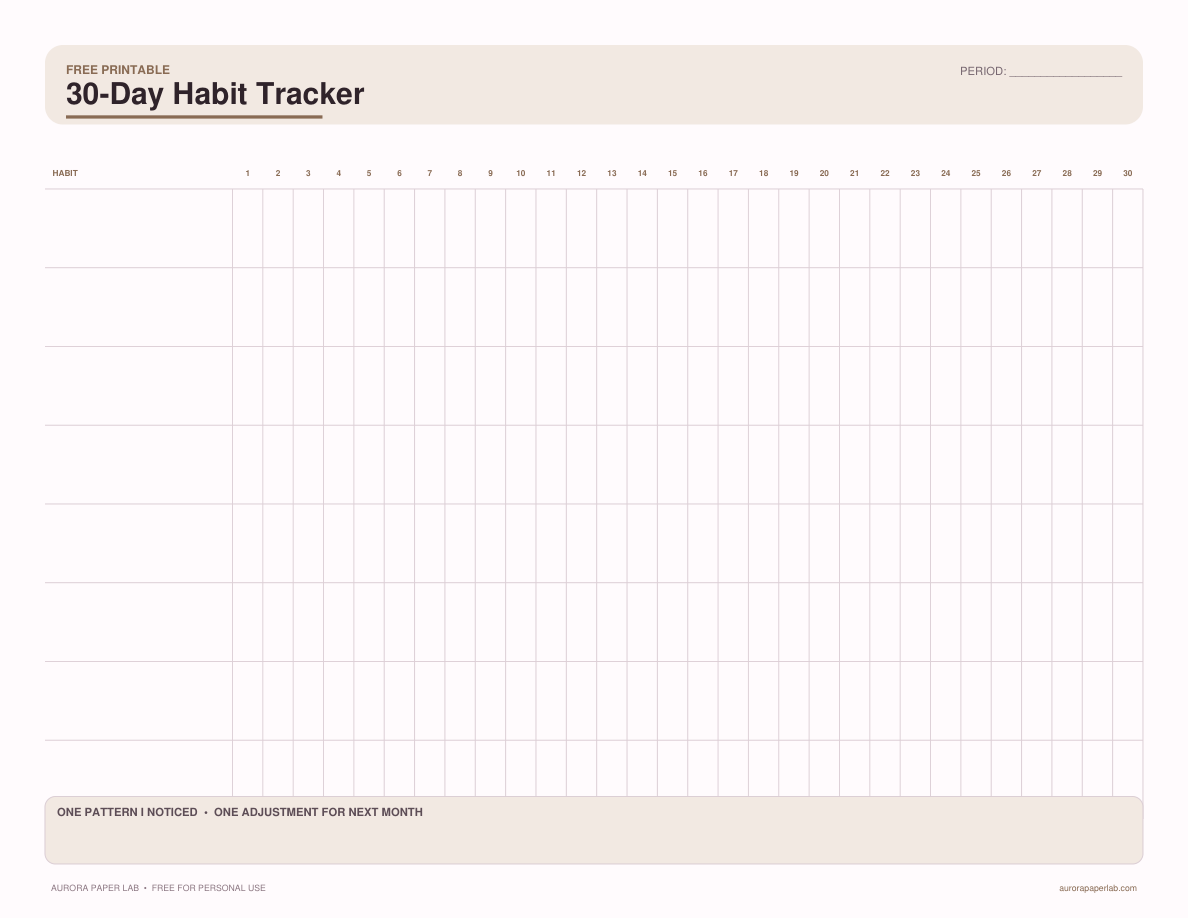
Track up to eight habits for 30 days and write one adjustment based on the pattern you see.
FREE · NO SIGN UP →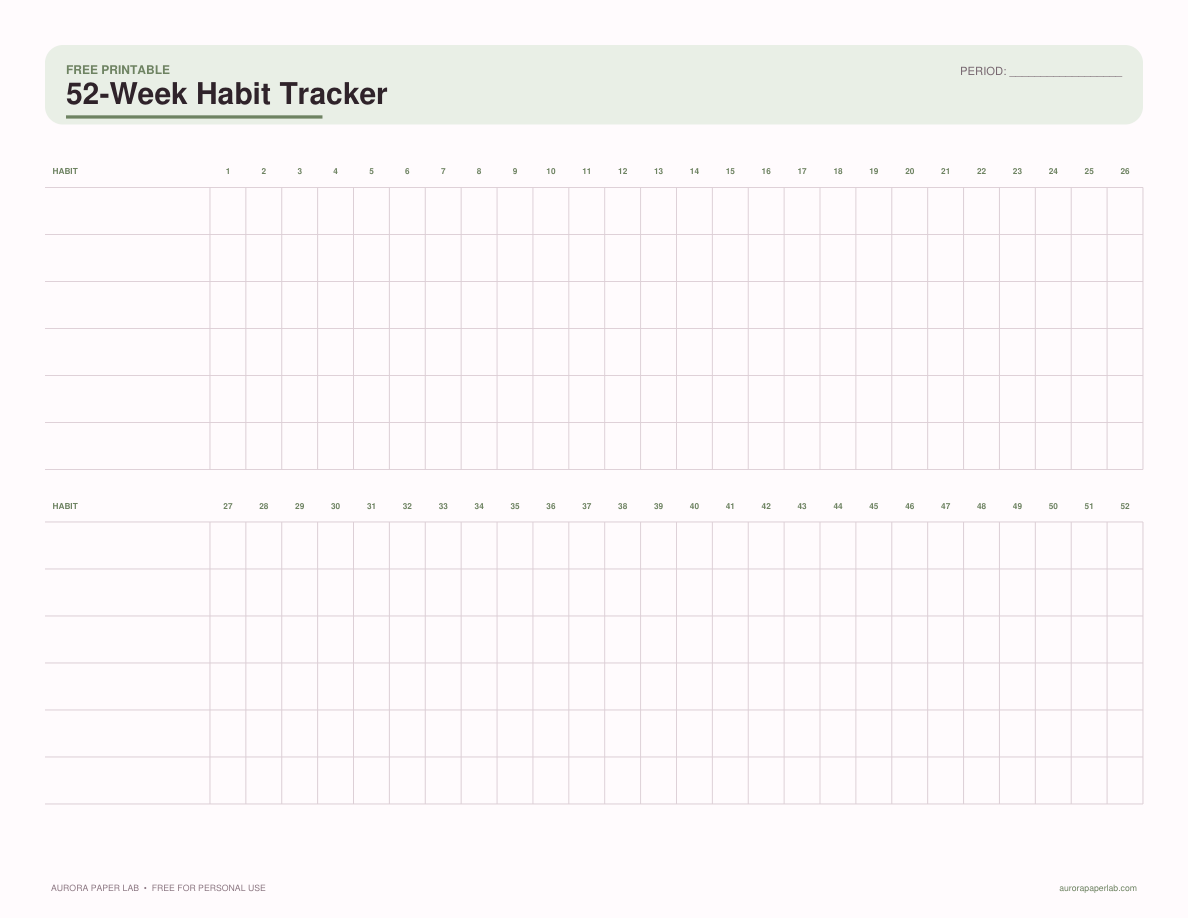
See a full year of weekly consistency at a glance without requiring a perfect daily streak.
FREE · NO SIGN UP →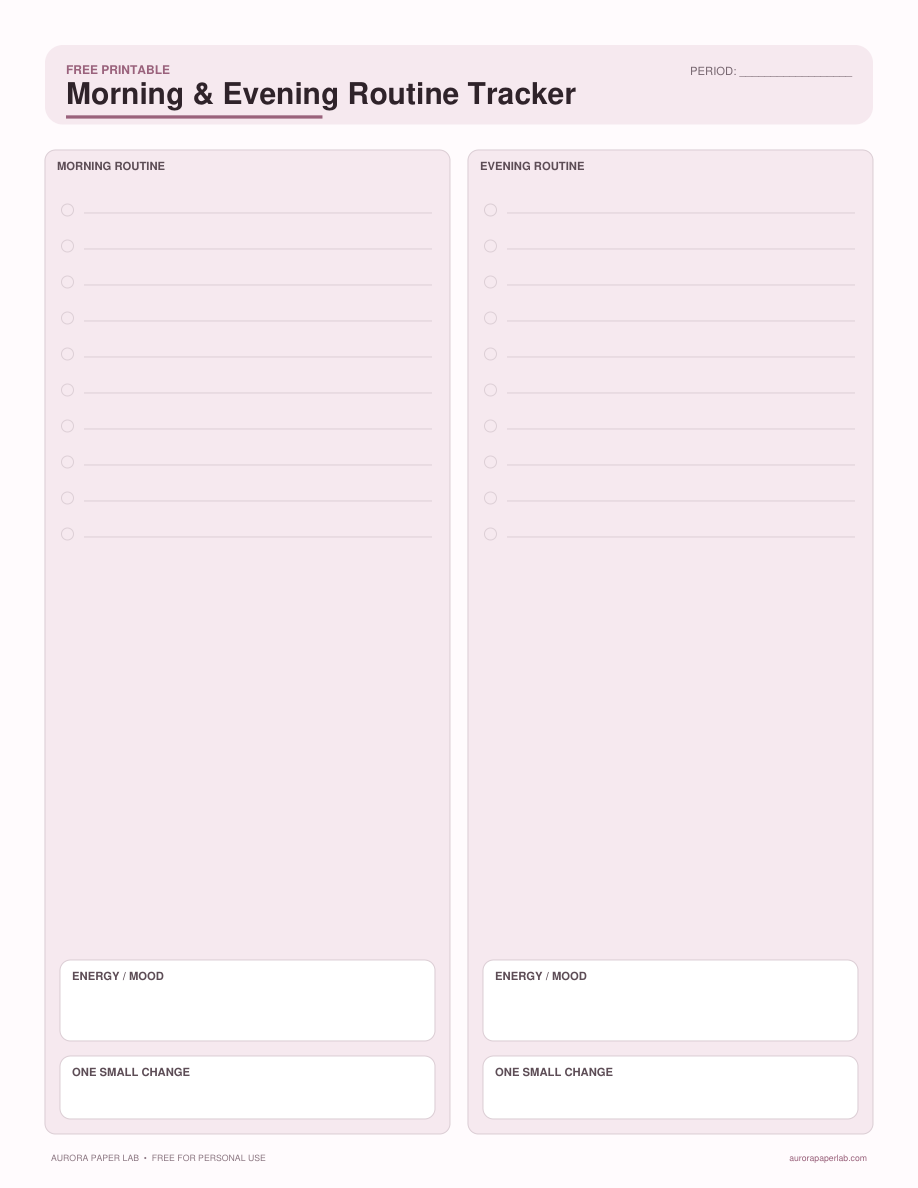
Build realistic bookend routines with a short checklist, energy note, and weekly reflection.
FREE · NO SIGN UP →