Easy to use
Start by writing the date, month, project or other context requested at the top of the 30 Day Check In Ledger page.
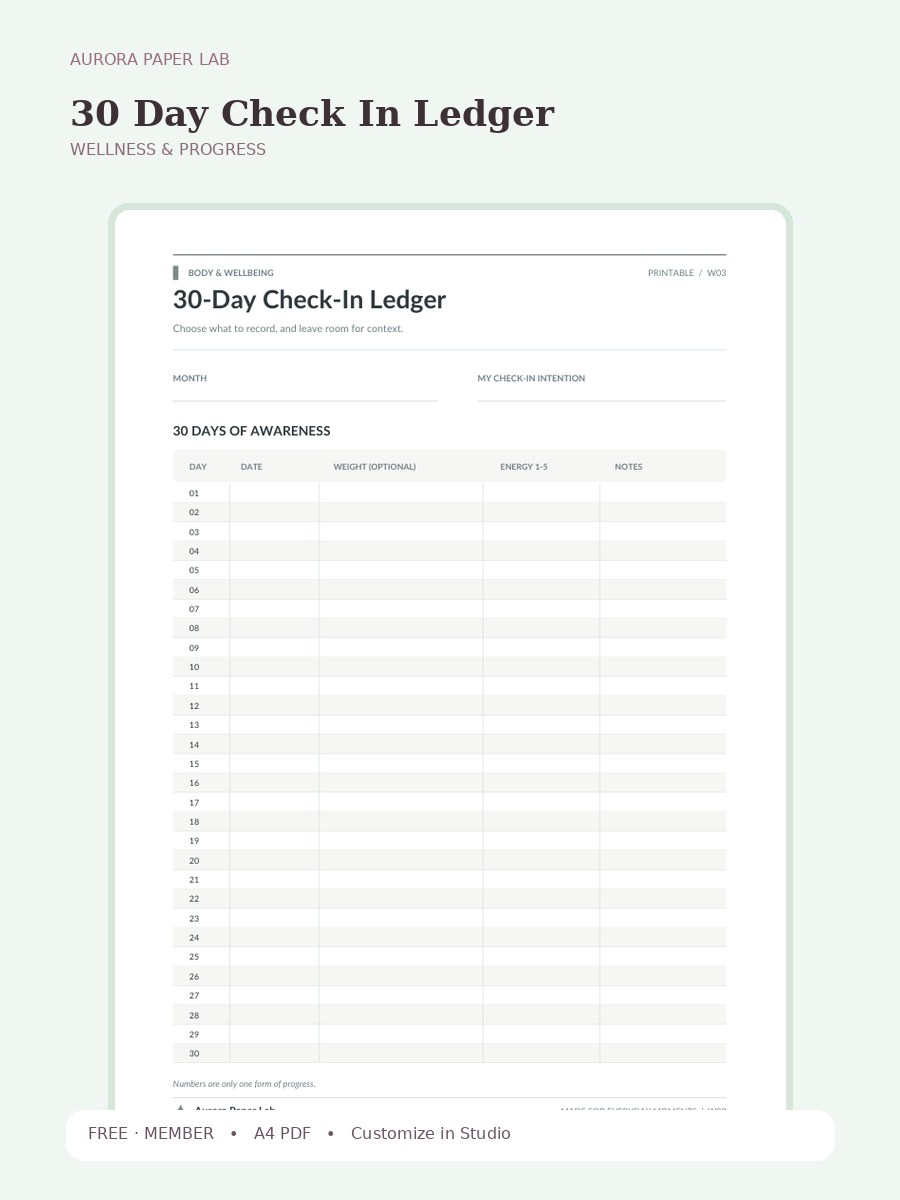
A clean A4 wellness & progress printable from Aurora Paper Lab.
Preview and customize this page freely. A free member account is needed only when you download the original file.
Start by writing the date, month, project or other context requested at the top of the 30 Day Check In Ledger page.
Open it in Design Studio and add your own text, colors, stickers and images.
A useful way to review this page is to look at the field that matters most to the worksheet—Notes—and write one small adjustment for the next use.
Yes. The resource page is public and the file is free; a free Aurora member account is required only at the download step.
The resource is provided as A4 PDF. Keep one clean master copy before writing on, duplicating or importing it.
PDF planner pages can usually be imported into PDF-friendly note apps such as Goodnotes. Compatibility depends on the app and device, so keep the original file and test your workflow first.
Yes. Choose Customize in Design Studio to open 30 Day Check In Ledger as a locked reference layer and add your own text, stickers, images and layout elements on top.
Yes. Print 30 Day Check In Ledger at Actual Size / 100% on A4 paper first. If your printer adds margins, test a single sheet before printing several copies.
30 Day Check In Ledger is a one-page A4 printable designed to record progress and wellbeing trends without reducing the page to a single number. The layout keeps the page calm and easy to reuse. The page includes Month, My Check-In Intention, 30 Days Of Awareness, Day, Date, Weight (Optional), so the structure is specific to this worksheet rather than a generic notes page.
Print 30 Day Check In Ledger at Actual Size / 100% on A4 paper first. If your printer adds margins, test a single sheet before printing several copies.
For digital use, import a clean copy of 30 Day Check In Ledger, duplicate the page before writing, and keep the original in a template folder so the layout stays reusable.
Open the template in Studio, keep the base page locked, and layer your text, stickers and images above it.
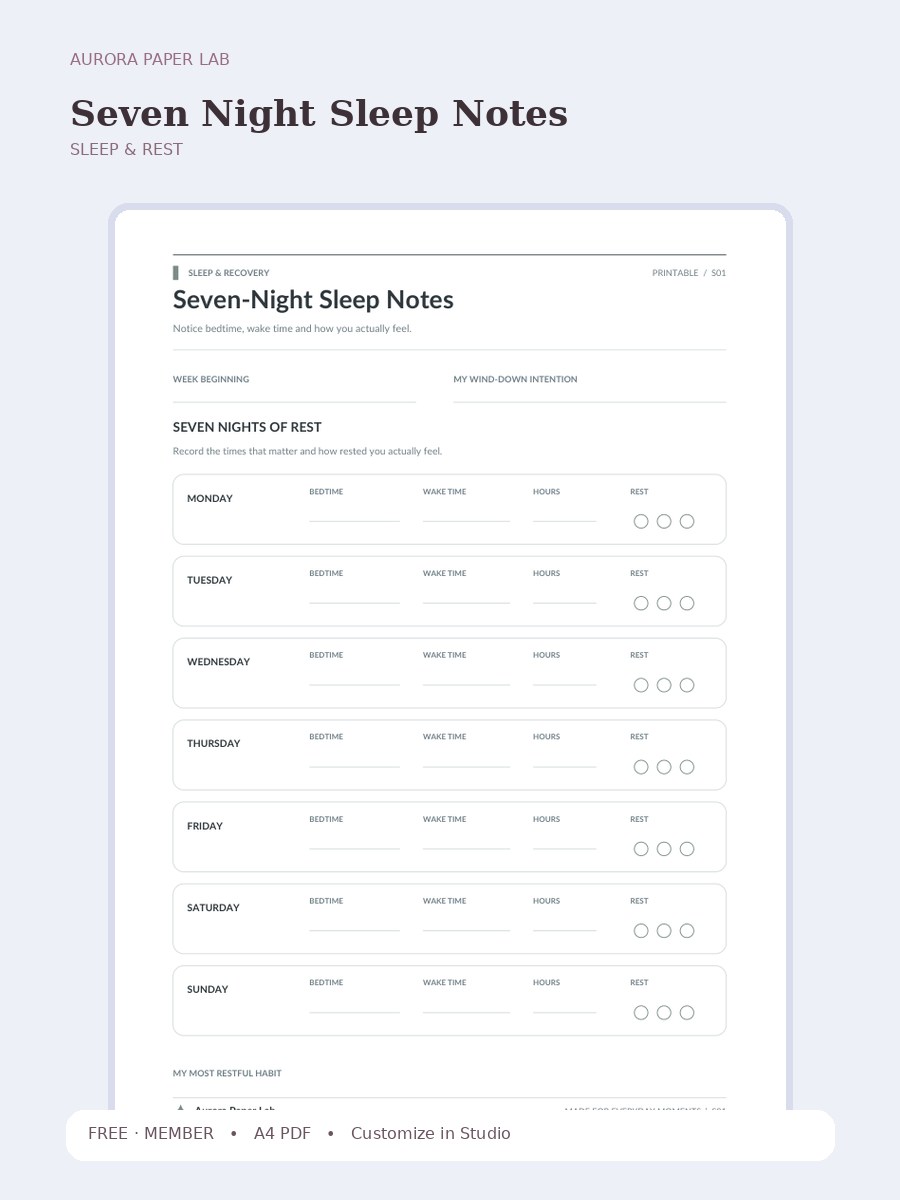
A clean A4 sleep & rest printable from Aurora Paper Lab.
FREE · MEMBER →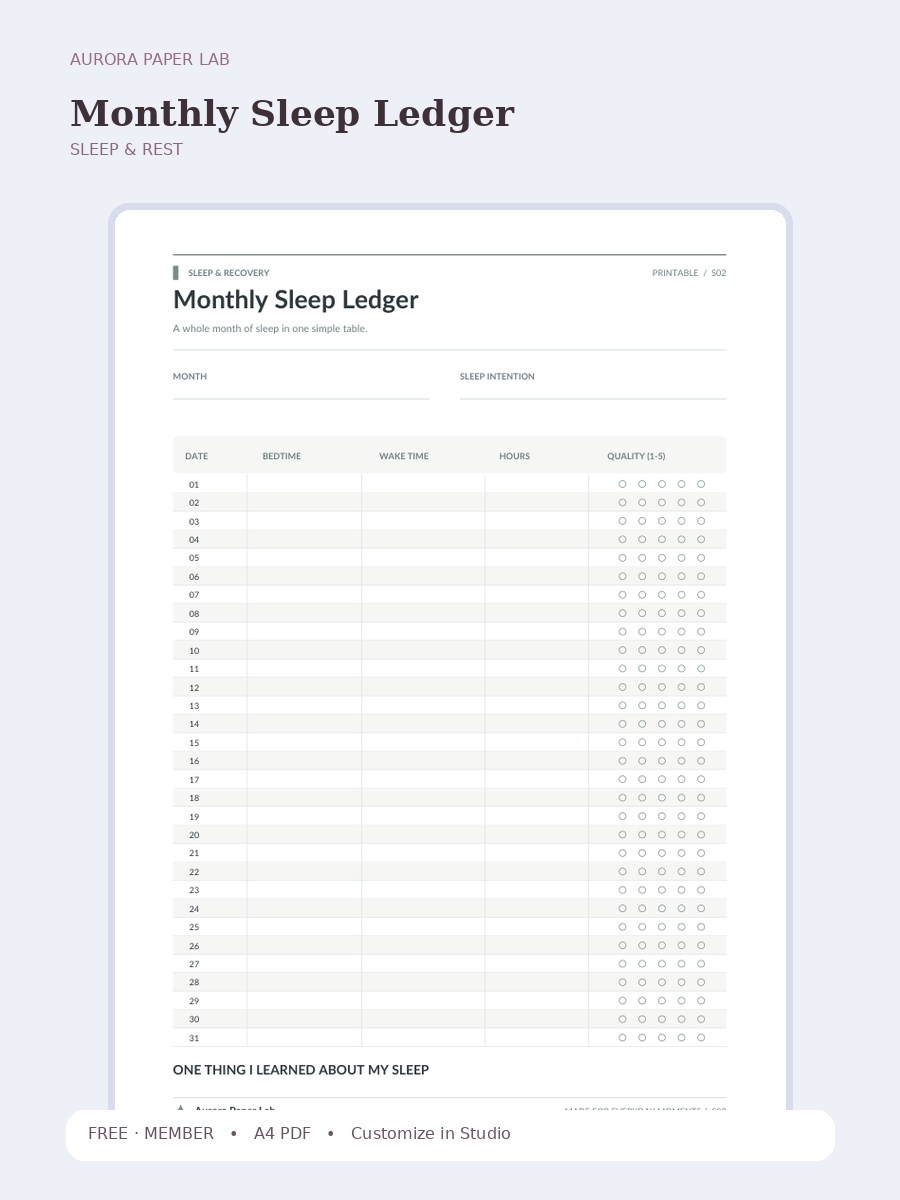
A whole month of sleep in one simple table.
FREE · MEMBER →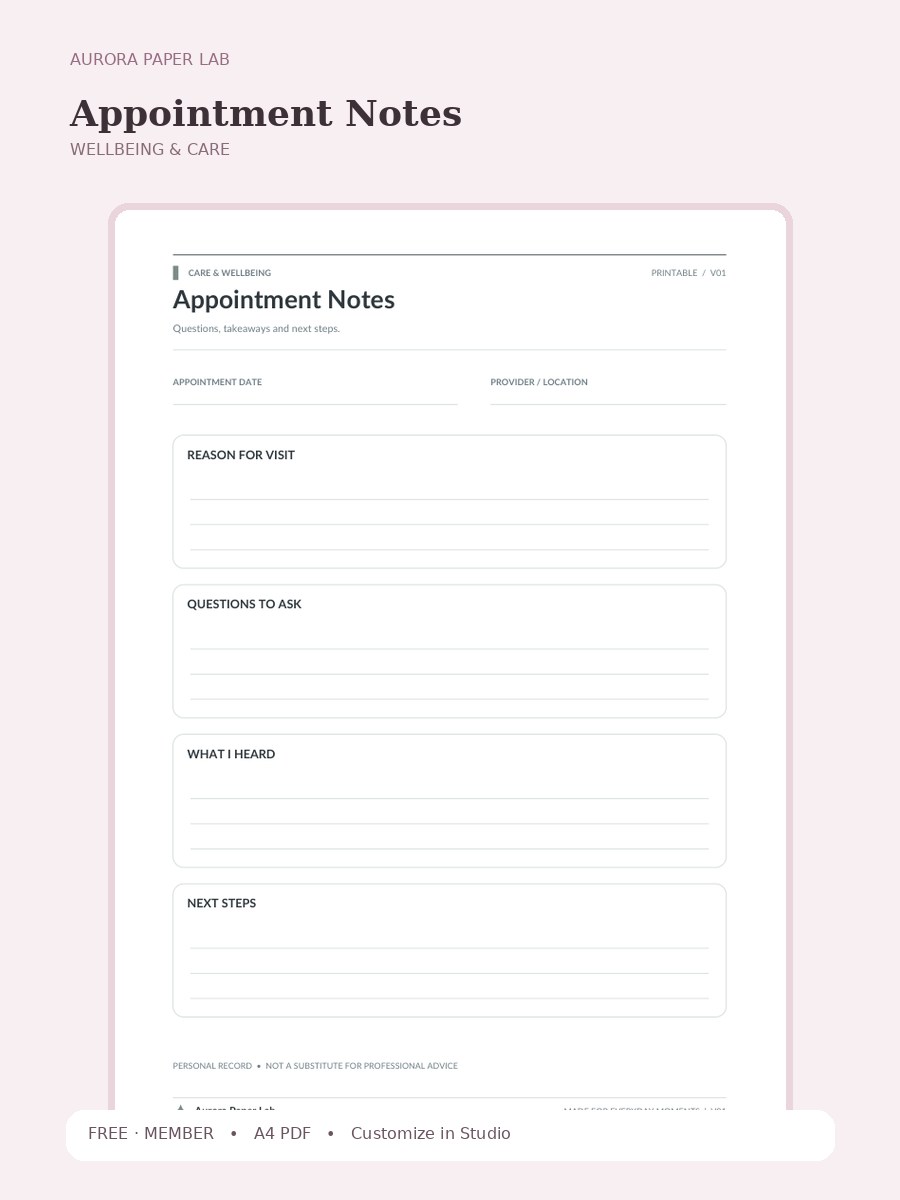
Questions, takeaways and next steps.
FREE · MEMBER →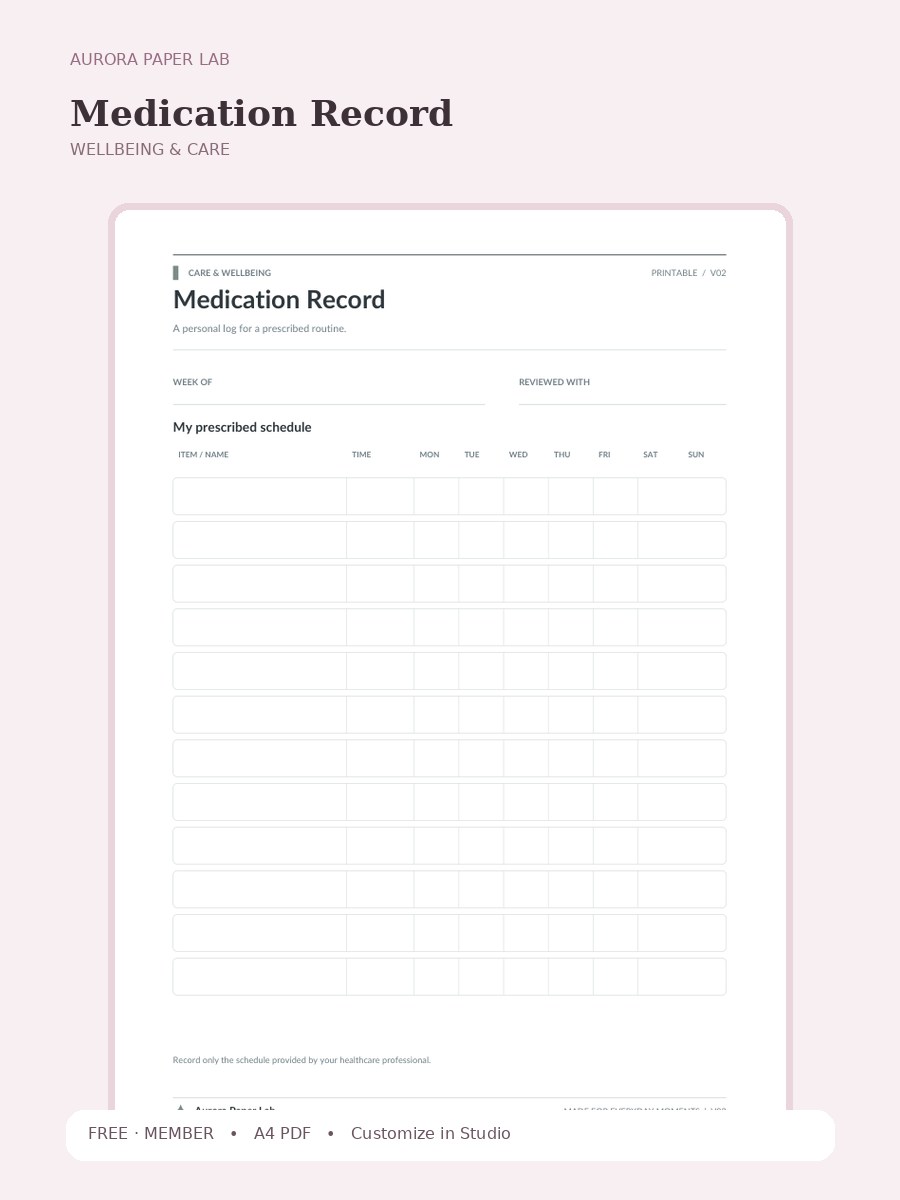
A personal log for a prescribed routine.
FREE · MEMBER →