Easy to use
Write the purpose of the week in one sentence, then rank three priorities by consequence rather than urgency alone. Put lower-value ideas in the wait area so they stay visible without competing for attention.
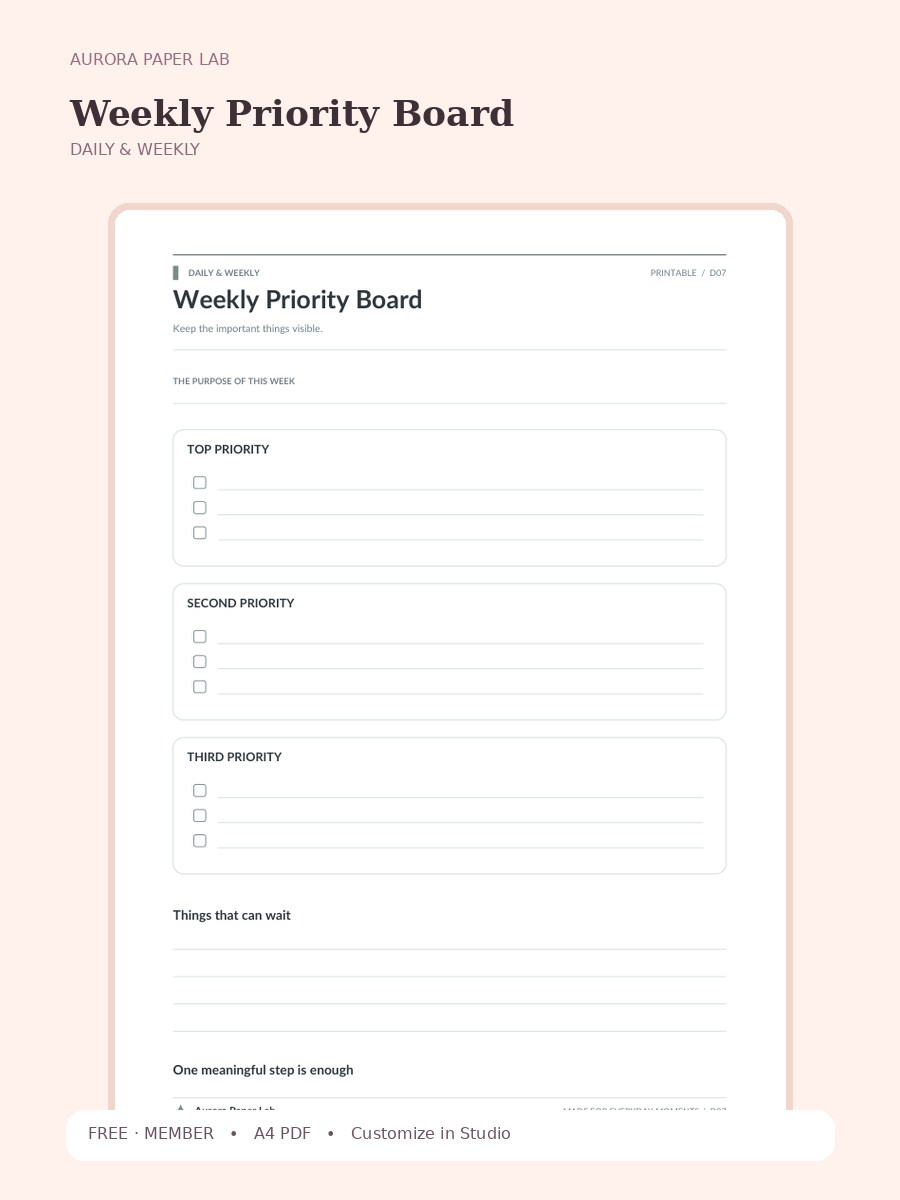
Keep the important things visible.
Preview and customize this page freely. A free member account is needed only when you download the original file.
Write the purpose of the week in one sentence, then rank three priorities by consequence rather than urgency alone. Put lower-value ideas in the wait area so they stay visible without competing for attention.
Open it in Design Studio and add your own text, colors, stickers and images.
Review Weekly Priority Board after a real use cycle rather than judging it from the blank page. Notice which field helped you make a decision, which space you ignored, and what you had to record somewhere else. Keep the useful structure, remove unnecessary maintenance, and combine it with another Aurora page only when the second page has a clearly different purpose.
Yes. The resource page is public and the file is free; a free Aurora member account is required only at the download step.
The resource is provided as A4 PDF. Keep one clean master copy before writing on, duplicating or importing it.
PDF planner pages can usually be imported into PDF-friendly note apps such as Goodnotes. Compatibility depends on the app and device, so keep the original file and test your workflow first.
Yes. Choose Customize in Design Studio to open Weekly Priority Board as a locked reference layer and add your own text, stickers, images and layout elements on top.
Yes. This file is designed as an A4 printable. Print one test sheet at Actual Size / 100% before a batch, check all four margins, and write in the smallest fields to make sure the scale is comfortable. If your printer cannot reach the page edge, use its fit option only after confirming that the writing areas remain large enough.
Weekly Priority Board is designed around a specific planning job rather than a generic notes page. This page is designed for weeks when deciding what not to do matters as much as creating a task list. The visible prompts—The Purpose Of This Week, Top Priority, Second Priority, Third Priority—give the page enough structure to guide a review while leaving room for your own wording, handwriting and annotations. Use it as one module in a larger planner only when it solves a recurring decision; otherwise it works perfectly well as a standalone sheet.
This file is designed as an A4 printable. Print one test sheet at Actual Size / 100% before a batch, check all four margins, and write in the smallest fields to make sure the scale is comfortable. If your printer cannot reach the page edge, use its fit option only after confirming that the writing areas remain large enough.
For digital planning, import a clean copy of Weekly Priority Board into a PDF-friendly note app or open it from Aurora Paper Lab in Design Studio. Keep the original as a master, duplicate a working copy, and add only the text, stickers or annotations that help the page do its job. Avoid storing highly sensitive information in an ordinary cloud planner.
Open the template in Studio, keep the base page locked, and layer your text, stickers and images above it.
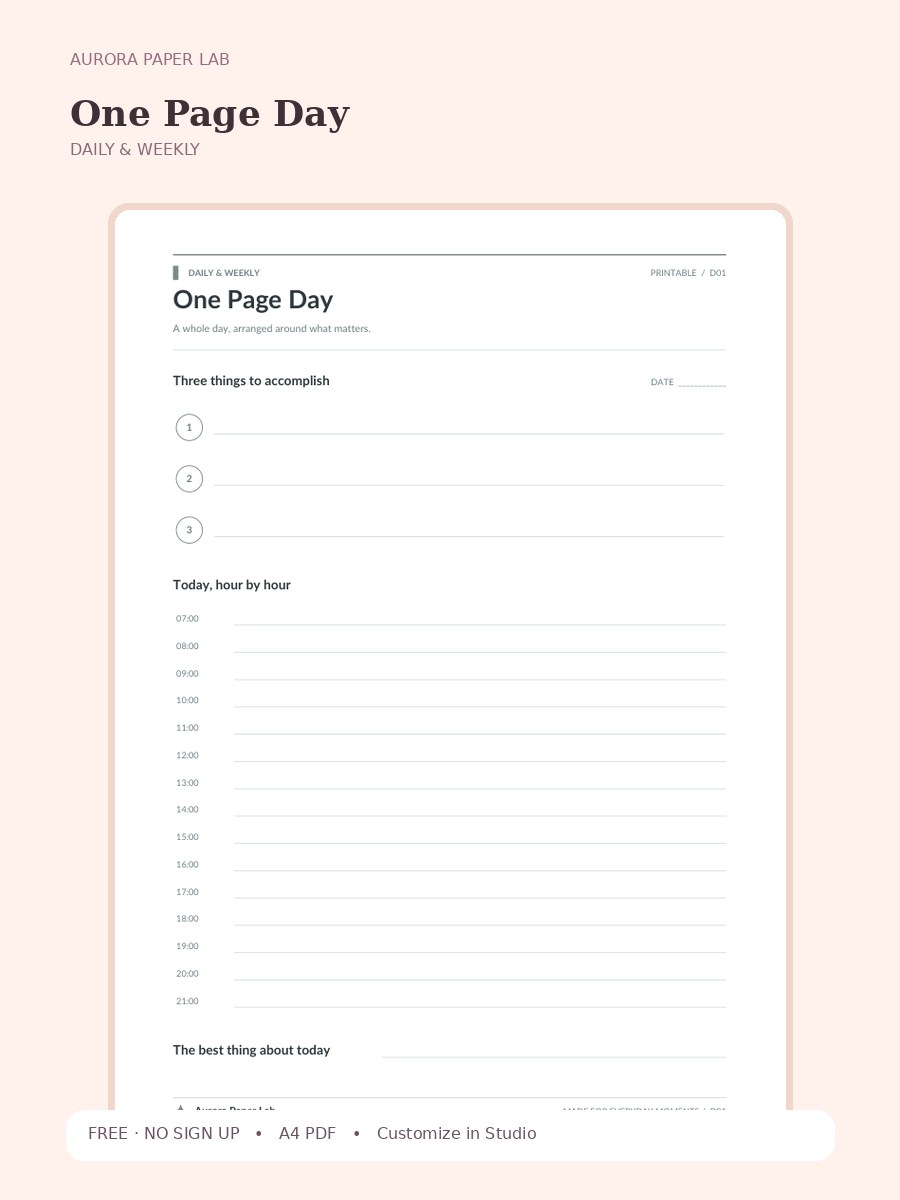
A whole day, arranged around what matters.
FREE · NO SIGN UP →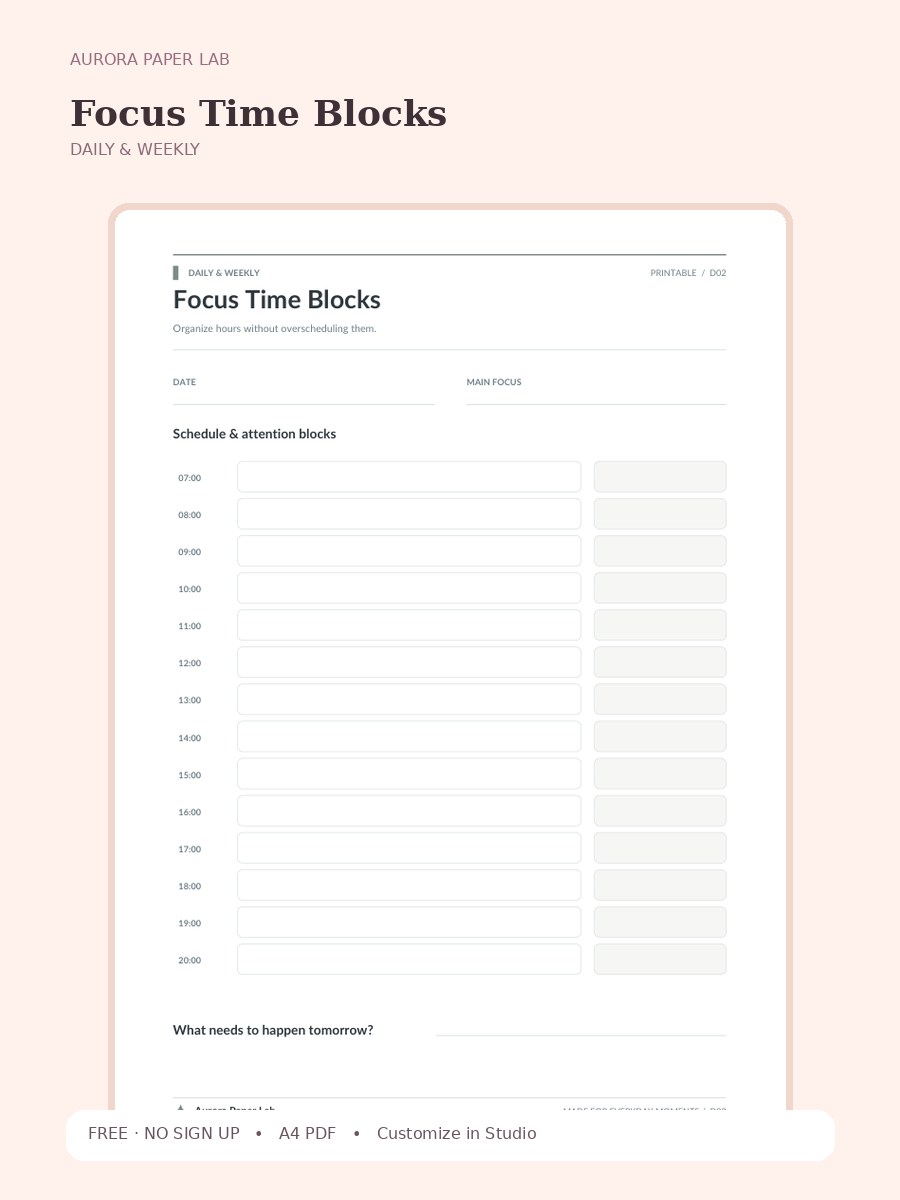
Organize hours without overscheduling them.
FREE · NO SIGN UP →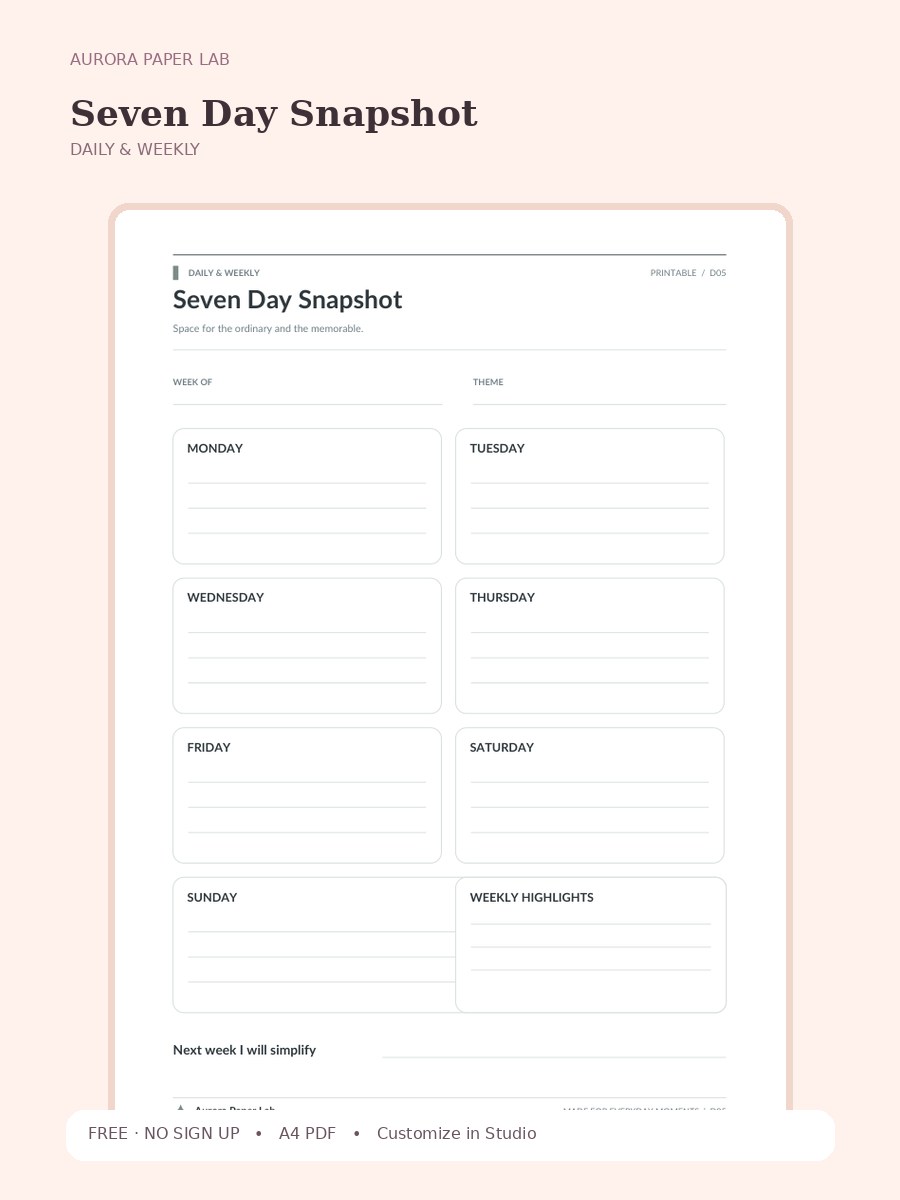
Space for the ordinary and the memorable.
FREE · NO SIGN UP →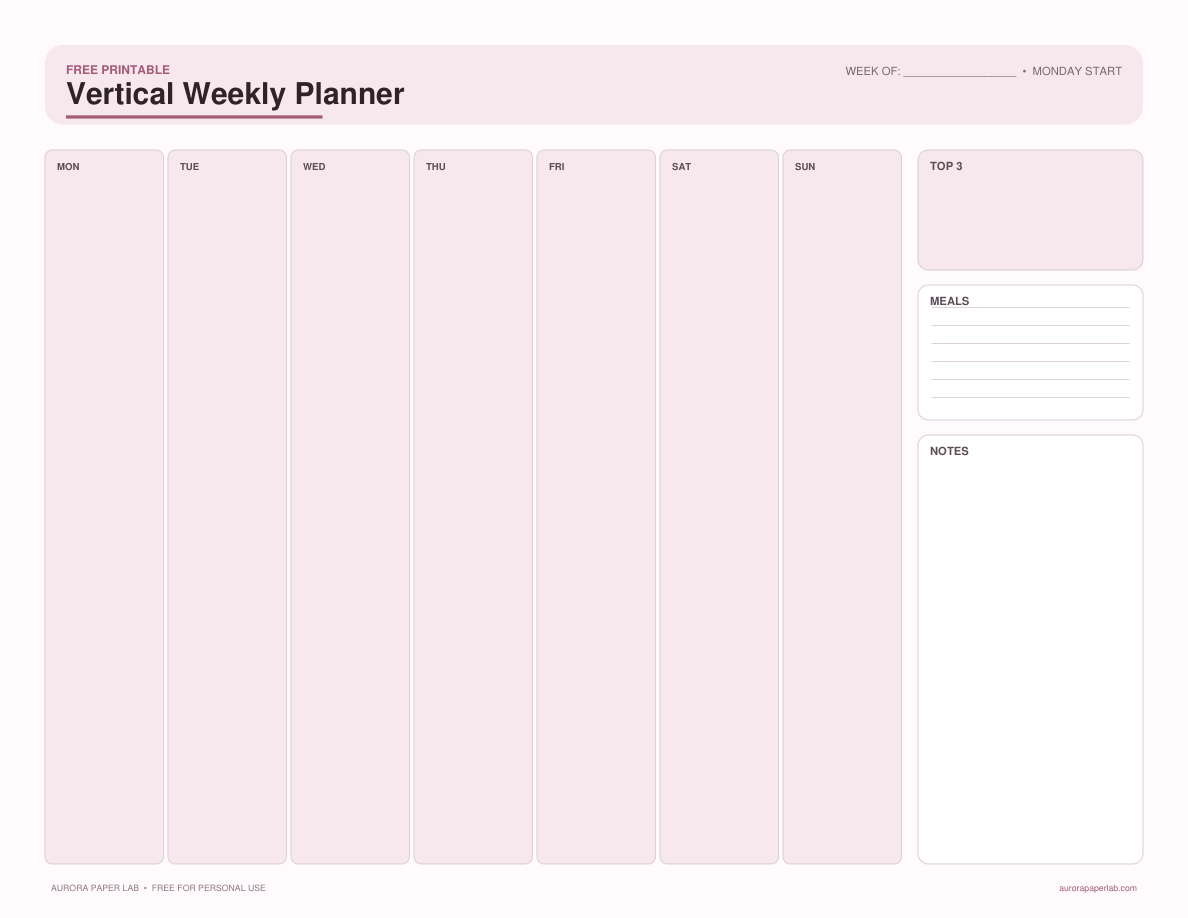
Plan seven days in clean vertical columns with priorities, appointments, and a small notes area.
FREE · NO SIGN UP →